
Prompt at the speed you think.
Talk to Claude, ChatGPT, Cursor, or another AI tool without squeezing the idea through your typing speed first. Celery works in ordinary text fields, so there is no separate editor and nothing to paste.
AI dictation for macOS
Hold one key and speak naturally. Celery shows the transcript as you talk, cleans the rough edges, and puts the result exactly where your cursor already is.
macOS 14+ · 30 minutes free every month · no card
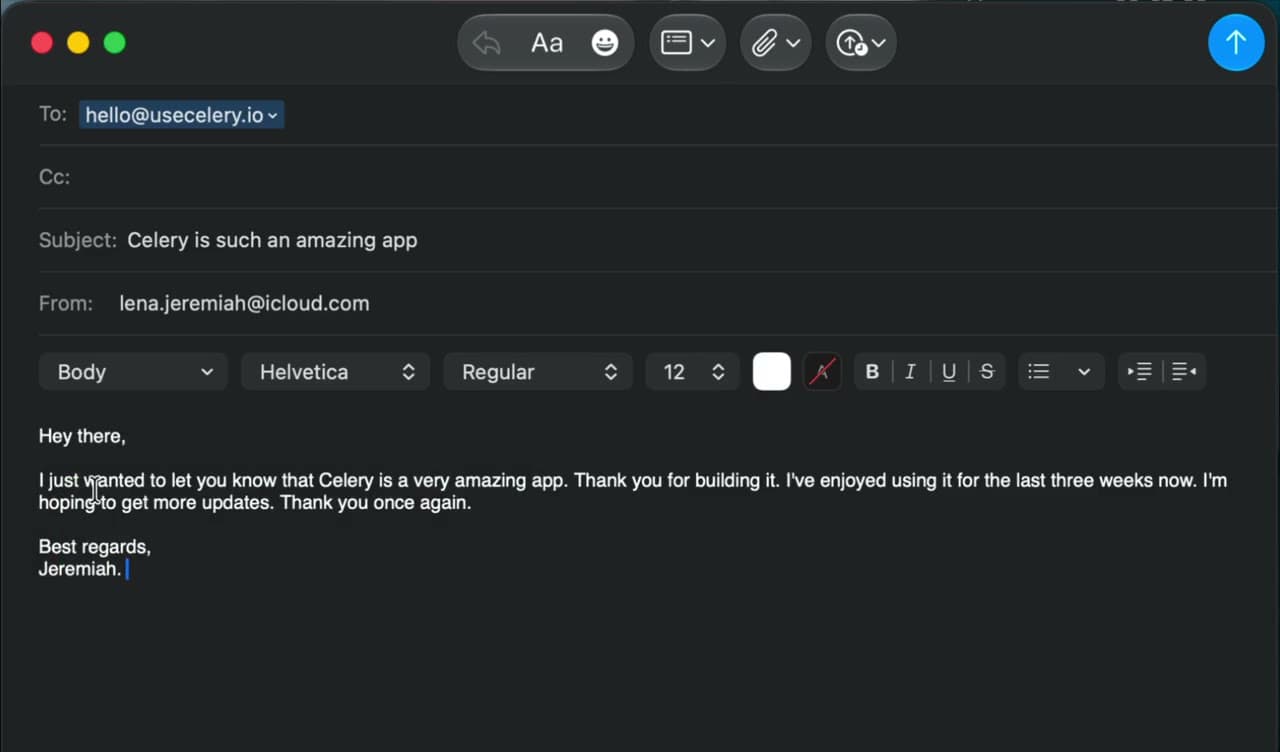
Talk to Claude, ChatGPT, Cursor, or another AI tool without squeezing the idea through your typing speed first. Celery works in ordinary text fields, so there is no separate editor and nothing to paste.
Your words appear while you talk, so you know it heard you. Let go of the key and Celery finishes the punctuation and formatting straight away, with no long wait once you are done.
Add customer names, technical terms, acronyms, and your own vocabulary, so your recurring words stop becoming recurring corrections.
Cleanup can remove fillers and false starts, format a spoken list, and match the kind of app you are in. Every result is checked against what you said before it reaches your cursor.
Use Fast mode when you want quick, private dictation that stays on your Mac, or Best mode when you want the widest range of languages and your custom vocabulary.
Celery floats above the app you are already using, keeps focus where you left it, and stores your dictation history on your device. It requires macOS 14 or later.